Credit Card Lounge Access Tracker: What to Check Before Airport Day
A practical credit card lounge access tracker workflow for checking enrollment, lounge networks, guests, capacity rules, and proof before you get to the airport.
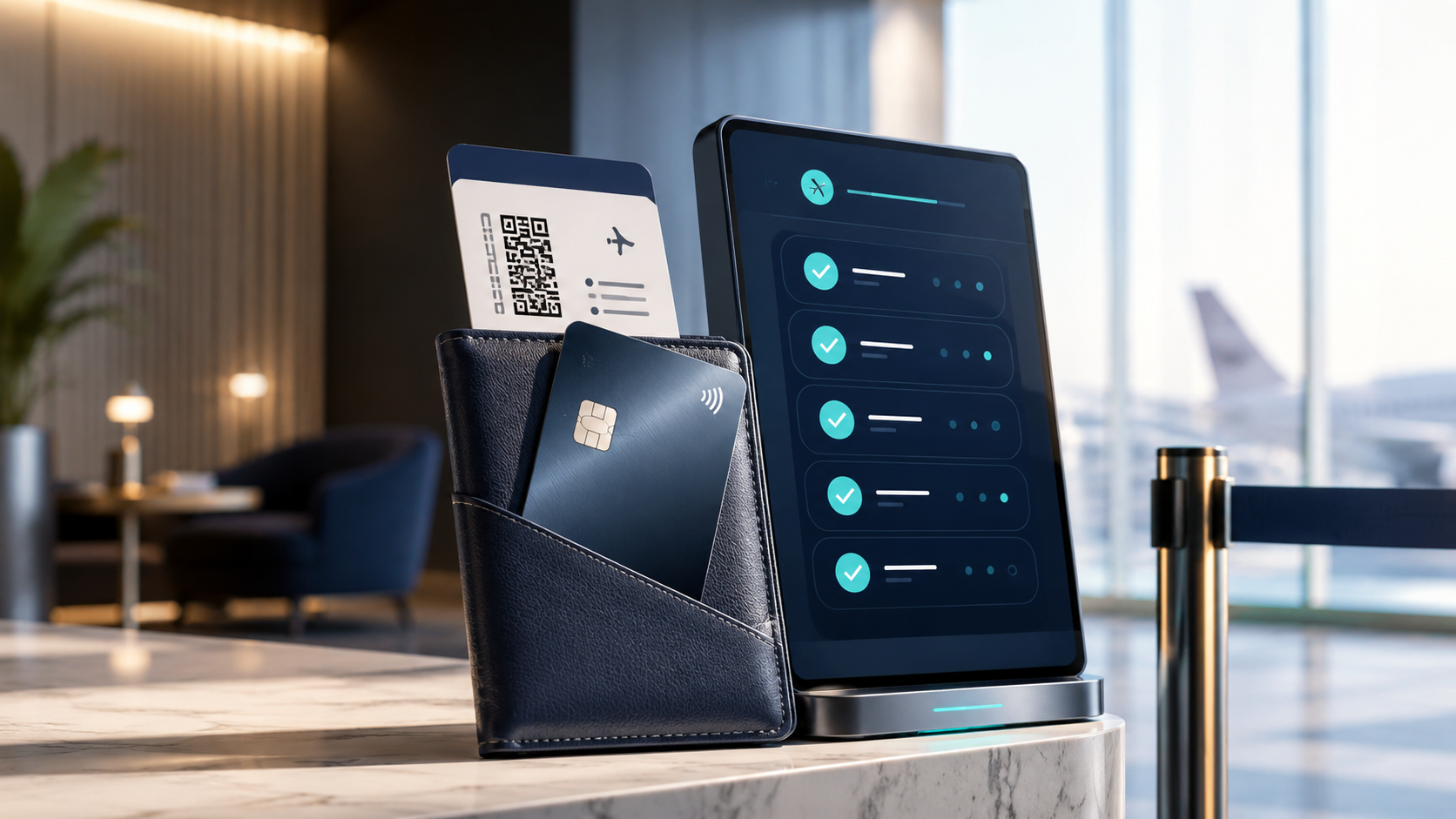
TL;DR
Track lounge access as a pre-trip workflow, not a permanent yes/no card benefit.
- Track lounge access as a pre-trip workflow, not a permanent yes/no card benefit.
- Record enrollment, lounge network, required proof, guest rules, capacity risks, and visit outcomes.
- Use issuer and lounge-network pages as source of truth, then use Perkmon for reminders and cross-card organization.
Quick Setup
Create one row for each card-and-network combination, then add one row for each upcoming trip. For example, do not write only "lounge access." Write "Card A - Priority Pass enrollment complete - digital card saved - guest rule verified for SFO outbound - recheck 48 hours before travel."
Use these fields:
That structure answers the search intent directly: it helps you know whether you can actually use the benefit on the day you travel.
Why Lounge Access Needs A Tracker
Airport lounge benefits are unusually easy to misremember because several systems sit between the credit card and the lounge door. Your card issuer may provide the benefit. A separate lounge network may operate the membership. An airport lounge may have local capacity limits, hours, guest caps, or boarding-pass rules. An airline lounge may depend on the flight you are taking, not just the card in your wallet.
Common failure modes include:
A tracker does not replace issuer terms. It keeps the right verification task in front of you before the airport.
- You assumed Priority Pass was automatic, but your card requires separate enrollment.
- You brought a guest and found out the guest rule changed or a per-visit fee applies.
- You arrived at a lounge that participates in one network but not your version of that network.
- You had a digital card but no working app login or mobile connection.
- Your authorized user, employee card, or additional cardholder status did not carry the same access.
- The lounge was full, closed, or limiting certain members during peak travel.
- You counted lounge access as renewal value but rarely traveled through airports where it worked.
The 10-Minute Pre-Trip Lounge Check
Run this check once when you book the trip and again a day or two before departure:
1. List every card in your wallet that might provide lounge access.
2. Identify the exact network for this trip: issuer lounge, Priority Pass, airline lounge, or another partner.
3. Confirm enrollment is active in the issuer account or lounge network account.
4. Search the exact airport and terminal, not just the city.
5. Check whether the lounge accepts your access type at that location.
6. Check entry timing, same-day boarding-pass requirements, guest rules, and capacity notes.
7. Save the required proof where it works offline: digital pass, membership card, issuer app, card, ID, and boarding pass.
8. Add a note for guest fees or "unknown - ask before entry" so you do not get surprised at the desk.
9. After the trip, mark whether you entered, were denied, paid a fee, or skipped the lounge.
This is where Perkmon fits naturally. The issuer and lounge program remain the source of truth. Perkmon can hold the reminder, card row, benefit note, trip checkpoint, and used-versus-skipped status next to the rest of your travel credits and annual-fee review.
Track The Network, Not Just The Card
The same card can point to more than one lounge path. A premium travel card may include issuer-operated lounges, Priority Pass Select, airline lounge access under specific conditions, or limited partner access. Those paths do not behave the same way.
Use this table as your starting map:
This avoids the most expensive tracker mistake: assuming "my card has lounge access" means "this specific lounge will let my party in for free today."
What To Record For Priority Pass
Priority Pass is common in lounge-access searches because it is often a separate membership attached to a credit card. Track it separately from the card that provides it.
Record:
Priority Pass and issuer agreements can differ. Some accounts show more details than others, and some lounges can limit entry during busy periods. If the app says a lounge exists, still read the lounge page for hours, terminal, access notes, and guest language before you travel.
- Enrollment date and account email.
- Physical card status, if one was issued.
- Digital membership card status in the Priority Pass app or issuer flow.
- Whether your membership shows visit history or entitlement details.
- Guest rule for your specific credit card program.
- Airport-specific participation and restrictions.
- Last successful entry and any fees charged later.
What To Record For Issuer Lounges
Issuer lounges can feel more straightforward, but they still need a check. Capital One, Chase, American Express, and other issuers can have different requirements for primary cardholders, additional cardholders, business or employee cardholders, guest access, same-day boarding passes, and capacity.
For each issuer lounge visit, record:
This matters because lounge rules are moving targets. A tracker should make the next verification obvious instead of freezing an old rule in place.
- Which cardholder is traveling.
- Whether that person is the primary cardholder, authorized user, additional cardholder, or employee cardholder.
- Whether the lounge requires a physical card, digital pass, issuer app, ID, and boarding pass.
- Guest count and whether guests must be on the same flight.
- Posted guest fee or "unknown - verify at entry."
- Any upcoming rule-change date you noticed in official terms.
Track Guest Rules As A Separate Benefit
Guest access deserves its own field. It is often the part people get wrong, and it can turn a "free" benefit into an airport charge.
Use one of these statuses:
If you travel with family, also add a note for children, lap infants, additional adults, and whether every guest must be on the same flight. If you travel with coworkers, check whether business or employee cardmember rules differ from personal cardholder rules.
Track Denials And Capacity Problems
A good tracker should capture failed lounge attempts, not just successful visits. Denials are useful data for annual-fee review.
After each trip, mark:
This turns lounge access from theoretical value into real value. If you pay a premium annual fee but your home airport lounge is often full or inconvenient, your renewal review should show that.
For broader renewal math, pair this with the premium travel card annual fee review. For a general benefit setup, use the credit card benefits tracker checklist. If you already track Venture X travel credits and lounge rules, the Capital One Venture X credit tracker shows how to keep card-specific travel benefits separate from general lounge notes. You can also map recurring checks in the credit card benefit calendar.
- Entered without issue.
- Entered after waitlist.
- Lounge was full.
- Lounge was closed.
- Access type not accepted.
- Guest was charged.
- Guest was denied.
- Required proof was missing.
- Skipped because the terminal or walk time did not work.
A Simple Lounge Tracker Template
Use this as a copyable structure:
The example deliberately avoids relying on a single issuer rule. Your actual row should link to the current official page or account screen you used to verify access.
Where Perkmon Fits
Perkmon is useful when lounge access is one benefit among many. You may also be tracking travel credits, hotel credits, monthly dining credits, anniversary certificates, annual-fee renewal dates, and statement-credit reminders. A lounge tracker row keeps the airport-day checklist connected to the card that provides it.
The practical workflow is:
That keeps the app's role clean: Perkmon helps organize and remember. It does not replace official issuer, airline, or lounge-network terms.
- Use issuer and lounge-network pages to verify current terms.
- Use Perkmon to remember which card has which lounge path.
- Add trip reminders before departure.
- Mark failed or skipped visits so renewal value is honest.
- Review lounge value alongside credits before keeping or canceling a card.
Keep exploring
Frequently asked questions
How do I check if my credit card has airport lounge access?
Start with your issuer benefit page, then check the lounge network tied to the card, such as Priority Pass or an issuer lounge page. Verify enrollment, the airport and terminal, required proof, guest rules, and any capacity restrictions before travel.
Do I need to enroll in Priority Pass if my card includes it?
Often yes, but it depends on the issuer and card. Some credit cards require a separate Priority Pass Select enrollment before you can use the benefit. Treat enrollment status as its own tracker field and verify it in the issuer or Priority Pass account before the trip.
Can a lounge deny entry even if my card has access?
Yes. A lounge may deny or delay entry because of capacity, hours, terminal restrictions, missing proof, unsupported membership type, guest limits, or same-day boarding-pass rules. That is why a tracker should include the exact lounge and last verified date.
What should I show at the lounge desk?
The required proof varies, but common items include a same-day boarding pass, government ID, eligible credit card, digital lounge pass, Priority Pass digital or physical card, or issuer app pass. Save backups before you leave for the airport.
How should I count lounge access in annual-fee value?
Count actual successful visits and realistic avoided costs, not just theoretical access. If lounges were full, inconvenient, unavailable at your airports, or guests triggered fees, record that and use it during your renewal review.
Before you act
- Credit card lounge access, issuer terms, enrollment rules, guest policies, fees, lounge participation, and capacity rules can change.
- Verify current issuer, lounge network, airline, and Priority Pass terms before relying on a benefit.
- This article is informational only and is not financial, legal, tax, insurance, credit, or travel advice.
Turn this into a repeatable workflow
Perkmon is built for the operational side of credit card perks: what is still available, what has already been used, and what needs attention before value disappears.