Citi Benefits Tracker: How to Track Card Benefits Without Guessing
A practical Citi benefits tracker workflow for verifying card-specific benefits, tracking deadlines, saving proof, and reviewing real value before renewal.
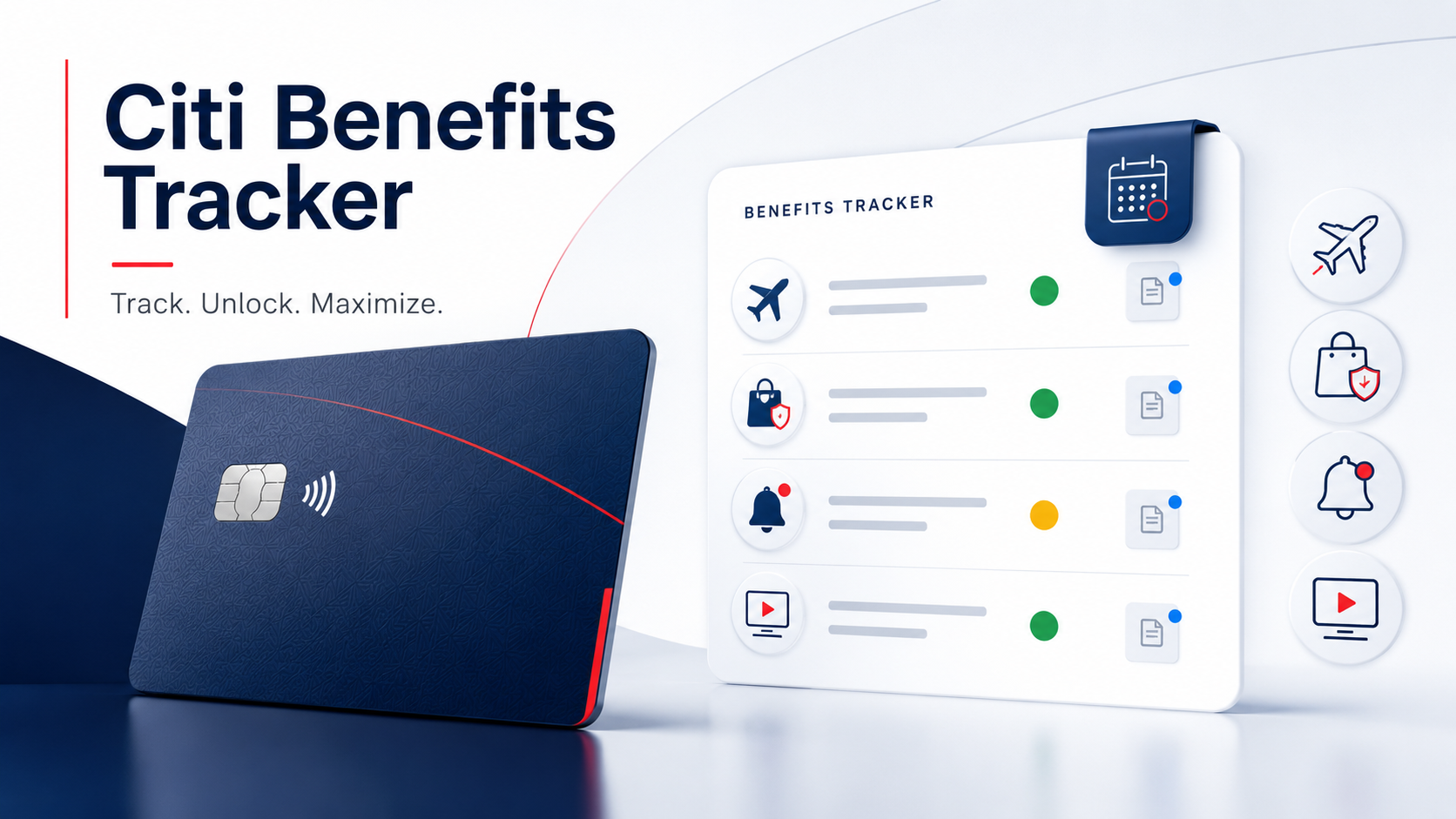
TL;DR
A Citi benefits tracker should start from the card-specific benefits Citi shows for your account, not a generic public benefits list.
- A Citi benefits tracker should start from the card-specific benefits Citi shows for your account, not a generic public benefits list.
- Track status, deadlines, activation requirements, purchase paths, claim windows, and proof notes so benefits do not disappear into memory.
- Use pending, used, skipped, expired, and removed statuses to make renewal review more honest.
What a Citi benefits tracker should include
A Citi benefits tracker should answer five questions quickly:
That is different from a static benefits checklist. A checklist tells you what might exist. A tracker tells you what is true for your card today and what you still need to do.
- Which Citi card has the benefit?
- Is the benefit currently available on that card?
- What action, enrollment, purchase path, or deadline matters?
- Is the benefit available, planned, pending, used, skipped, expired, or removed?
- What proof would you use later if you need to verify it?
Start with Citi, not memory
The first step is to verify the card-specific benefit source. Citi's card benefits portal tells cardholders to sign on to view benefits available on select Citi cards. That wording is important: do not assume every benefit category applies to every card.
When you check Citi, record the date and the source. For example:
This is useful because benefits can be easy to misremember. A benefit may be tied to a specific card version, a network tier, an offer, or a cardholder action. If it disappears from the benefits page or changes after a product change, your notes help you review what happened without guessing.
Track benefits by category
Citi cardholders may see different benefit categories depending on the card. Track only the categories that appear for your account or current terms.
For travel-related benefits, record the trip, booking path, required card use, claim or assistance number, and any time window. If the benefit is only available through a specific portal, carrier, or card benefit administrator, put that in the tracker before you travel.
For purchase protection, extended warranty, return protection, or similar benefits, track the purchase date, item, merchant, receipt location, manufacturer warranty length, claim deadline, and required documents. The most common failure mode is not knowing where the receipt or warranty proof is when a claim window is already closing.
Account alerts are not glamorous, but they are useful tracking inputs. If Citi lets you set purchase, payment, or account notifications, use those alerts to support your benefits workflow. A transaction alert can remind you to mark a benefit attempt as pending, while a payment or posting alert can remind you to check whether a credit, refund, or benefit-related adjustment appeared.
For Citi dining or entertainment access, track the event date, presale or access window, purchase path, card used, and whether the benefit actually mattered. Not every access benefit saves money; sometimes the value is availability, timing, or convenience.
If a Citi offer or targeted promotion requires activation, spend tracking, merchant eligibility, or a deadline, treat it like a mini benefit. Record activation date, qualifying spend period, merchant rules, expected credit or reward timing, and posted proof. Do not count it as captured until the reward, credit, or confirmation appears.
Use status labels instead of vague reminders
The simplest reliable status model is:
The last two statuses are important. If several Citi benefits are regularly skipped, expired, or removed, that affects renewal decisions. It may also tell you the card is harder to manage than its headline benefits suggest.
- Available: confirmed in Citi or terms, no action taken yet.
- Planned: you know how you intend to use it.
- Pending: you took action, but proof has not appeared.
- Used: the benefit was confirmed, claimed, credited, or otherwise completed.
- Skipped: you intentionally did not use it.
- Expired: the deadline passed.
- Removed: it no longer appears or no longer applies to the card.
A monthly Citi benefits review
Once a month, open your Citi tracker and do a short review:
1. Check benefits that reset monthly or have offer deadlines.
2. Confirm whether any planned benefit is still worth using.
3. Move completed actions from pending to used only after you have proof.
4. Mark intentionally unused benefits as skipped.
5. Add notes for changed or missing benefits before you forget the context.
This review should take minutes, not an hour. If a benefit requires research every month, your tracker needs better notes: where to verify, what action matters, and what proof closes the loop.
Use the tracker for renewal decisions
Before an annual fee or renewal decision, group benefits into four buckets:
This is more honest than using advertised value. If a Citi benefit required a claim you never filed, an offer you never activated, or a purchase path you would not normally use, your realized value may be lower than the headline number.
Where Perkmon fits
Perkmon is useful as the tracking layer around the issuer source of truth. Citi tells you what your account and card terms say. Perkmon helps you organize those benefits, remember deadlines, keep status clear, and review realized value across cards.
For a broader setup, use the credit card benefits tracker checklist. If you want to compare tracker workflows before choosing an app, read Best Credit Card Tracker App: What to Look For Before You Choose. If you prefer not to connect bank credentials, see Credit Card Tracker Without Bank Login.
Keep exploring
Frequently asked questions
Does Citi have a benefits tracker?
Citi has card benefits pages and account tools where eligible cardholders can review card-specific benefits, but you should still keep your own tracker for deadlines, activation notes, claim proof, skipped benefits, and renewal review.
Where can I see my Citi card benefits?
Start with Citi's card benefits site, your signed-in Citi account, the Citi Mobile app, card terms, and any offer or benefit emails. Use those sources to verify what applies to your exact card before relying on a benefit.
What should I track for Citi card benefits?
Track the card, benefit name, category, verification source, verification date, enrollment or activation requirement, deadline, purchase or claim path, current status, and proof notes.
Should I count a Citi offer or benefit before it posts?
No. Treat it as pending until the reward, credit, claim confirmation, or other proof appears. Pending value should stay separate from confirmed value when you review a card.
Why would a Citi benefit disappear from my tracker?
Possible reasons include card changes, account changes, expired offers, changed benefit terms, enrollment status, or benefits that only apply to select cards. Verify directly with Citi before assuming a benefit still applies.
Before you act
- Credit card benefits, issuer terms, eligibility rules, enrollment requirements, claim windows, offer terms, and posting timelines can change.
- Verify current Citi account terms, card benefits, eligible purchase paths, deadlines, and account status before relying on a benefit.
- This article is for informational purposes only and is not financial, legal, tax, insurance, or credit advice.
Turn this into a repeatable workflow
Perkmon is built for the operational side of credit card perks: what is still available, what has already been used, and what needs attention before value disappears.