Credit Card Tracker Without Bank Login: A Safer Way to Remember Perks
How to track credit card perks, statement credits, reset dates, and annual-fee value without sharing bank login credentials or connecting financial accounts.
TL;DR
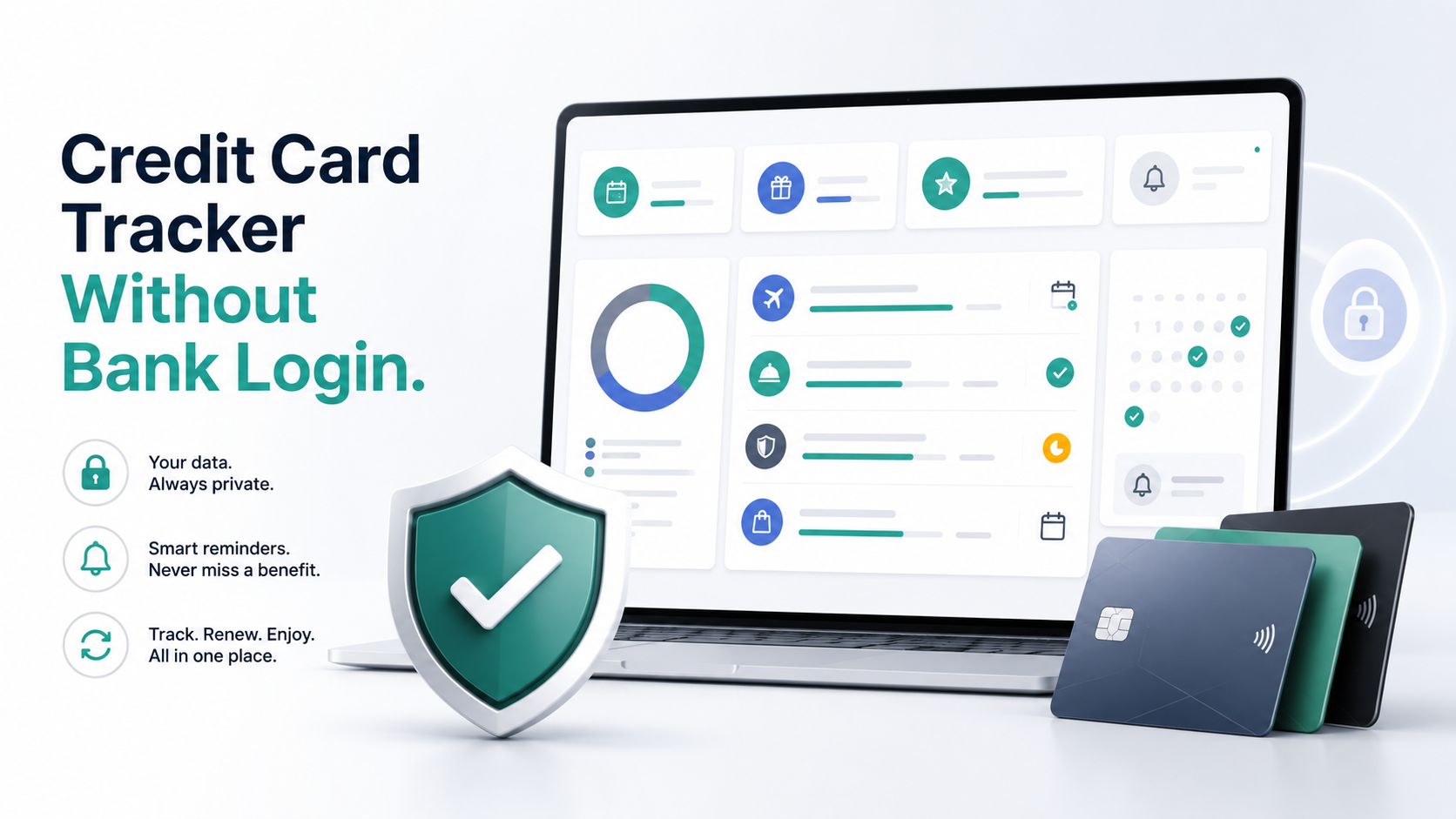
A credit card tracker can help with perks and reminders without bank login credentials when it focuses on benefit status instead of transaction feeds.
- A credit card tracker can help with perks and reminders without bank login credentials when it focuses on benefit status instead of transaction feeds.
- No-bank-login tracking trades automatic matching for privacy, simpler setup, and manual confirmation of posted credits.
- Perkmon fits users who want card benefit visibility, reset reminders, and annual-fee review context without sharing bank credentials.
Why bank login becomes the decision point
Credit card benefit tracking sounds simple until the setup asks for a bank username, password, or account connection. Some people are comfortable with that because they want automation. Others want the benefits organized without giving another service access to financial accounts.
That hesitation is rational. The user is not only choosing a feature set. They are choosing a privacy model, a maintenance model, and a failure mode.
A connected tool may be able to read transactions and infer whether a credit posted. A no-bank-login tool cannot do that automatically. But it can still answer the workflow questions that make most benefits usable:
If those are the questions you need answered, bank login is not always required.
- What benefits do I have?
- Which ones reset soon?
- What action do I need to take?
- Which benefits are planned, pending, posted, skipped, or expired?
- What did I actually capture before the annual fee hit?
The three common tracking models
| Category | What it does well | Main tradeoff |
|---|---|---|
| Bank-login or credential-based sync | Can automate more account-level data when it works | Requires the most trust and can create re-authentication or account-access friction |
| Aggregator or transaction-sync connection | Can reduce manual transaction review without sharing credentials directly with the app | Still requires account linking and may not perfectly identify every benefit or issuer rule |
| No-bank-login benefit tracker | Keeps setup simple, private, and focused on perks, deadlines, and reminders | Requires manual confirmation when a credit posts or a benefit is used |
Most credit card tracking setups fall into three buckets.
There is no universal winner. The best choice depends on whether you value automation more than control, and whether your real problem is transaction matching or remembering what needs action.
What a no-bank-login tracker should still handle
A tracker that does not connect to your bank should not be just a blank checklist. It still needs enough structure to reduce missed value.
At minimum, it should track:
The status field is what separates a useful tracker from a static list. If a dining credit is marked pending, you know to check the issuer statement later. If it is marked skipped, you know you made an intentional decision instead of losing track. If it is marked expired, it becomes evidence for your next renewal review.
- card name and issuer
- benefit name and category
- monthly, quarterly, semiannual, annual, anniversary-year, or trip-specific cadence
- reset date or action deadline
- enrollment, activation, or portal requirement notes
- current status: available, planned, pending, posted, skipped, or expired
- reminder timing
- proof notes for posted credits or used benefits
What you give up when you avoid account linking
A no-bank-login credit card tracker will not automatically know that a transaction happened. It will not read your statement, detect a merchant, or confirm that a credit posted. That is the cost of keeping account access out of the product.
The practical workaround is to track the workflow, not the transaction feed.
For example, if you have a monthly dining credit, the tracker reminds you early in the month. After you make the purchase, mark it pending. After the issuer shows the credit, mark it posted and record the date. That takes a few seconds, and it keeps the annual-fee math honest without giving a third party account access.
This model is not for everyone. If you want every transaction matched automatically, a connected product may fit better. If you want a clear benefit command center without bank login, a no-login tracker is the more natural fit.
Where Perkmon fits
Perkmon is designed for the no-bank-login side of this decision. You add your cards, then use Perkmon to keep benefits, credits, reminders, and card-level context visible. The product does not need your bank username, bank password, or full financial account access to help you remember what value is at risk.
That makes Perkmon a good fit when your pain is operational:
Perkmon should not replace issuer terms. It should help you remember what to check, when to act, and what to verify before value disappears.
- you forget monthly or quarterly credits
- you need a better annual-fee review record
- you want a card-by-card benefit view without opening every issuer app
- you care about privacy and do not want bank credentials in another product
- you are comfortable manually confirming whether a credit posted
How to set up a privacy-first perk workflow
Start with the benefits that can expire. Do not try to track every sentence in every benefit guide.
1. Add the cards you actively use or pay annual fees for.
2. List recurring credits and high-value travel benefits first.
3. Assign each benefit a reset cadence and deadline.
4. Add reminders before the practical action date, not only the official expiration date.
5. Use statuses to separate available, planned, pending, posted, skipped, and expired benefits.
6. Review pending items weekly and renewal value monthly.
That workflow is deliberately small. The goal is not to create a second bank dashboard. The goal is to make benefit decisions easier without connecting a bank account.
For the broader setup, use the credit card benefits tracker checklist. If you are comparing app categories, read Best Credit Card Tracker App: What to Look For Before You Choose.
When a spreadsheet is enough
A spreadsheet can still be fine if you hold a small number of cards, rarely use recurring credits, and already review it consistently. It gives you full control and no account connection.
The problem is maintenance. Spreadsheets do not naturally remind you before a benefit resets, keep card context attached to the reminder, or make pending credits easy to follow up on. Once those gaps start causing missed value, a dedicated tracker becomes easier to justify.
The decision is not spreadsheet versus app as a matter of taste. It is whether your current setup reliably answers the next-action question: what perk needs attention now?
What to check before choosing any tracker
Before you choose a credit card tracker, ask these questions:
A tracker that answers those questions clearly is more useful than one that only promises maximum value. The workflow has to fit how you actually manage cards.
- Does it require bank login credentials, account linking, or transaction access?
- If it uses a connection, what data is shared and what problem does that solve?
- Can it track reset cadence separately for monthly, quarterly, annual, and trip-specific benefits?
- Can you mark a credit pending before it posts?
- Does it make annual-fee review easier with actual usage history?
- Does it remind you before the practical deadline, not after the period is almost over?
- Does it tell you to verify issuer terms before acting?
Keep exploring
Frequently asked questions
Can I track credit card perks without connecting my bank account?
Yes. A no-bank-login tracker can organize the cards you hold, show recurring benefits, remind you before reset dates, and let you mark credits as planned, pending, posted, skipped, or expired. You give up automatic transaction matching, but you avoid sharing bank credentials or account access.
What does a credit card tracker without bank login usually track?
It usually tracks card names, benefit categories, reset cadence, expiration dates, reminder timing, usage status, and notes about eligibility. It should not need bank usernames, passwords, full card numbers, or transaction feeds to help you remember benefits.
Is a no-bank-login tracker better than Plaid or transaction sync?
It depends on what problem you are solving. Transaction sync can reduce manual updates, but it requires account connection and may still need review. A no-bank-login tracker is better when privacy, simple setup, and benefit reminders matter more than automatic matching.
How do I confirm that a statement credit posted without account sync?
Check the issuer app or statement after the expected posting window, then update the tracker status manually. Keep a note with the purchase date, merchant, amount, and posted credit date so annual-fee value stays accurate.
Does Perkmon require bank login credentials?
No. Perkmon is built around adding your cards and tracking benefits, reminders, and usage context without asking for bank login credentials. You should still verify current issuer terms before acting on a benefit.
Before you act
- Credit card benefits, issuer terms, eligibility rules, reset dates, and posting timelines can change.
- Verify current issuer terms, enrollment requirements, eligible merchants, and purchase paths directly before relying on a benefit.
- This article is for informational purposes only and is not financial, legal, or security advice.
Turn this into a repeatable workflow
Perkmon is built for the operational side of credit card perks: what is still available, what has already been used, and what needs attention before value disappears.